A better starting point
Work with the light you find
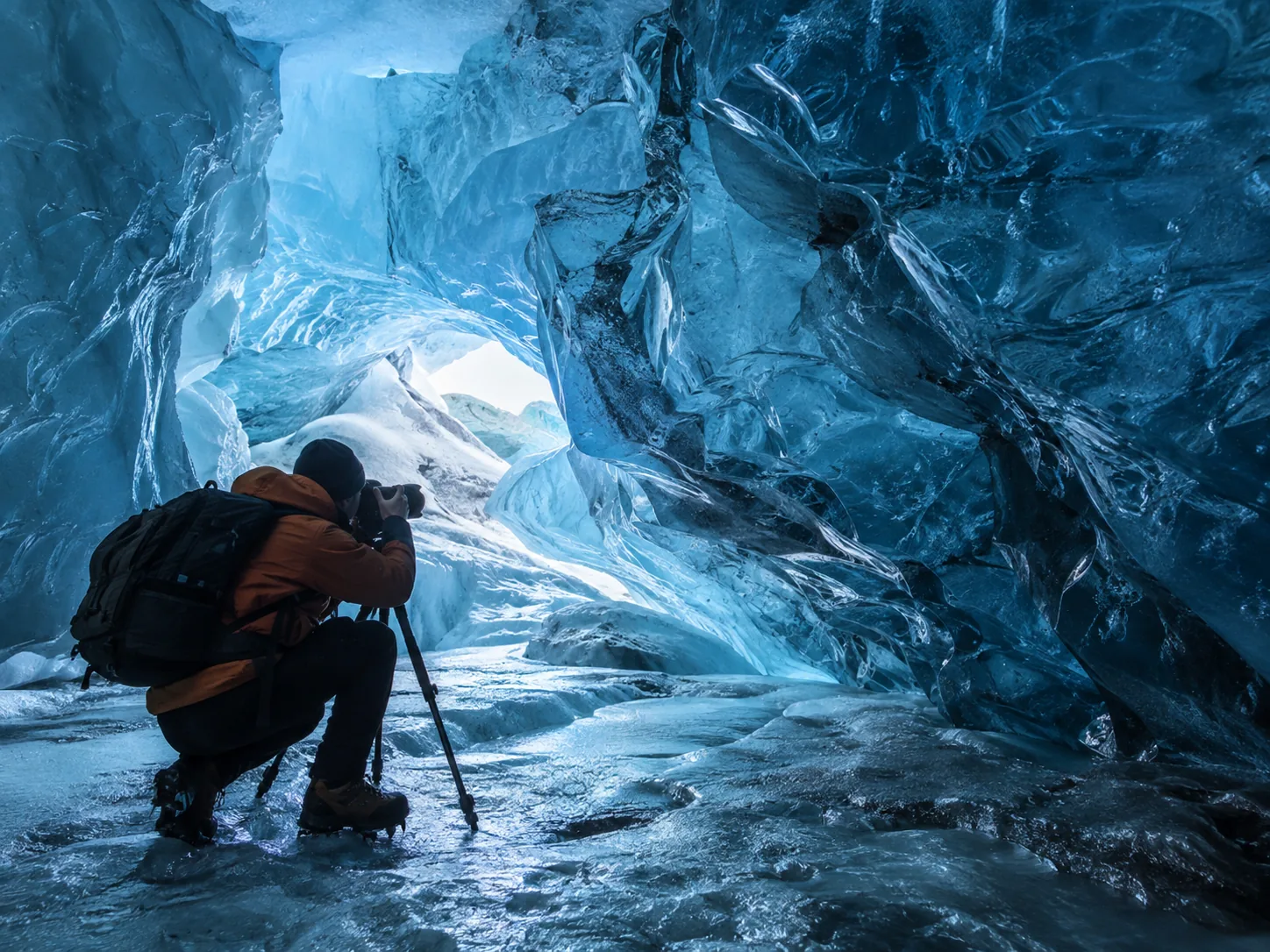
For Crystal Ice Cave photography, start with a clean lens, a manageable setup and one test photograph. Look at the light and the space around you before trying to recreate an image from another visit.
01 · Your setup
Keep it simple
Use the phone or camera you already know. Being ready when the group stops is more useful than carrying a bag of unfamiliar equipment.
02 · Your exposure
Check one frame
Look for blurred people and bright ice that has lost its texture. Correct the first photograph before taking twenty with the same problem.
03 · Your position
Stay with the guide
Make pictures from the permitted route. Keep required safety equipment on, and never step backwards for a wider view without checking your footing.
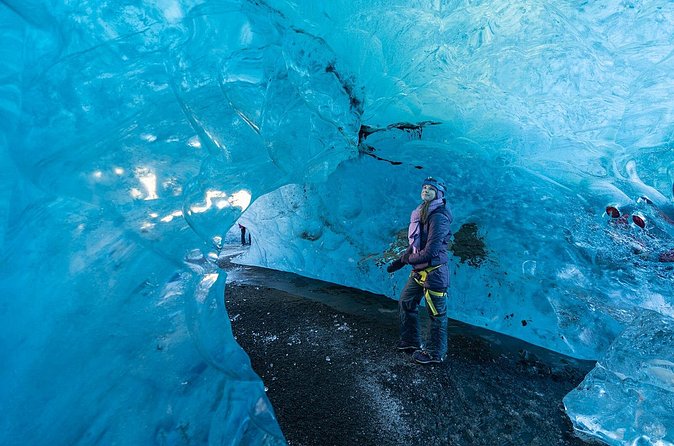
Ice thickness, trapped air, sediment, snow and illumination affect what a formation looks like. Camera processing and editing also affect the blue seen online. Supplier galleries are examples, not a promise of the chamber or light on your date.
Use Weather and Conditions for access updates. This guide is about photographing the experience, not confirming which cave will be visited.
Set up before you arrive
Phone or camera?
Choose the quick start for the equipment you are bringing. You do not need to buy a different camera for this visit.
Phone quick start
Begin with the main camera at 1×. Clean the lens, hold the phone with both hands and take a test shot before changing modes.
Focus deliberately
Tap the part of the scene that matters. Adjust brightness if the glowing ice becomes featureless; do not darken every scene automatically.
Hold through the capture
When Night mode takes several seconds, keep the phone still until it finishes. Moving people may blur even when the ice looks sharp.
Use a wider view selectively
Try the ultrawide only when the framing needs it, then compare the detail. Avoid heavy digital zoom as a substitute for a better composition.
Controls differ by phone and app. Apple’s Night mode guidance explains the capture timer and stability on supported iPhones. Practise your own controls before the tour.
Camera quick start
Use a familiar camera and a wide or standard lens. Start with the exposure combination below, then change it for the subject and the available light.
f/2.8–f/4
An initial aperture when your lens supports it. Check that the parts of the scene you need are in focus; a wider aperture gives less depth of field.
About 1/100 s
A trial handheld shutter speed. Make it faster for moving people or unsteady hands, rather than expecting stabilization to stop subject movement.
Auto ISO
Let ISO adapt while you choose aperture and shutter speed, where your camera supports this. Watch for an ISO limit that leaves the picture too dark.
These are starting suggestions, not measurements from the cave. Check the frame at a useful magnification and adjust. Use RAW only when it fits your editing workflow; JPEG is also a practical choice.
If you switch to an ultrawide lens, watch the people near the edges of the frame. Keep a portrait subject nearer the centre when a stretched appearance is distracting. Choose your position from the safe route, not by backing away on the ice.
Settings without guesswork
Let the subject set the pace
A still wall of ice and a moving person need different decisions. The shutter speed matters just as much as the amount of blue in the frame.
| What you are photographing | A starting approach | What to check |
|---|---|---|
| A person in the cave | Start around 1/100 s with f/2.8–f/4 and Auto ISO. | Check faces and hands. If the person is moving, use a faster shutter and allow for the extra light or ISO needed. |
| A still ice detail | Use the same initial settings, then review sharpness. | A slower shutter may work with good support or stabilization, but it is not guaranteed to be sharp handheld. |
| Bright opening, dark interior | Review the bright ice and the subject separately. | Reduce exposure only when important highlights are clipping. A dark silhouette may be the more natural result. |
| A phone Night mode shot | Hold steady through the full capture. | Use it for a subject that can remain still. Try a shorter capture or normal Photo mode when people blur. |
Make one change at a time. If motion is the problem, start with shutter speed. If the bright ice is blank, check exposure. If everything looks soft, check focus, lens moisture and camera movement before increasing sharpening.
Light, detail and colour
Keep the texture in the ice
Do not lose the highlights
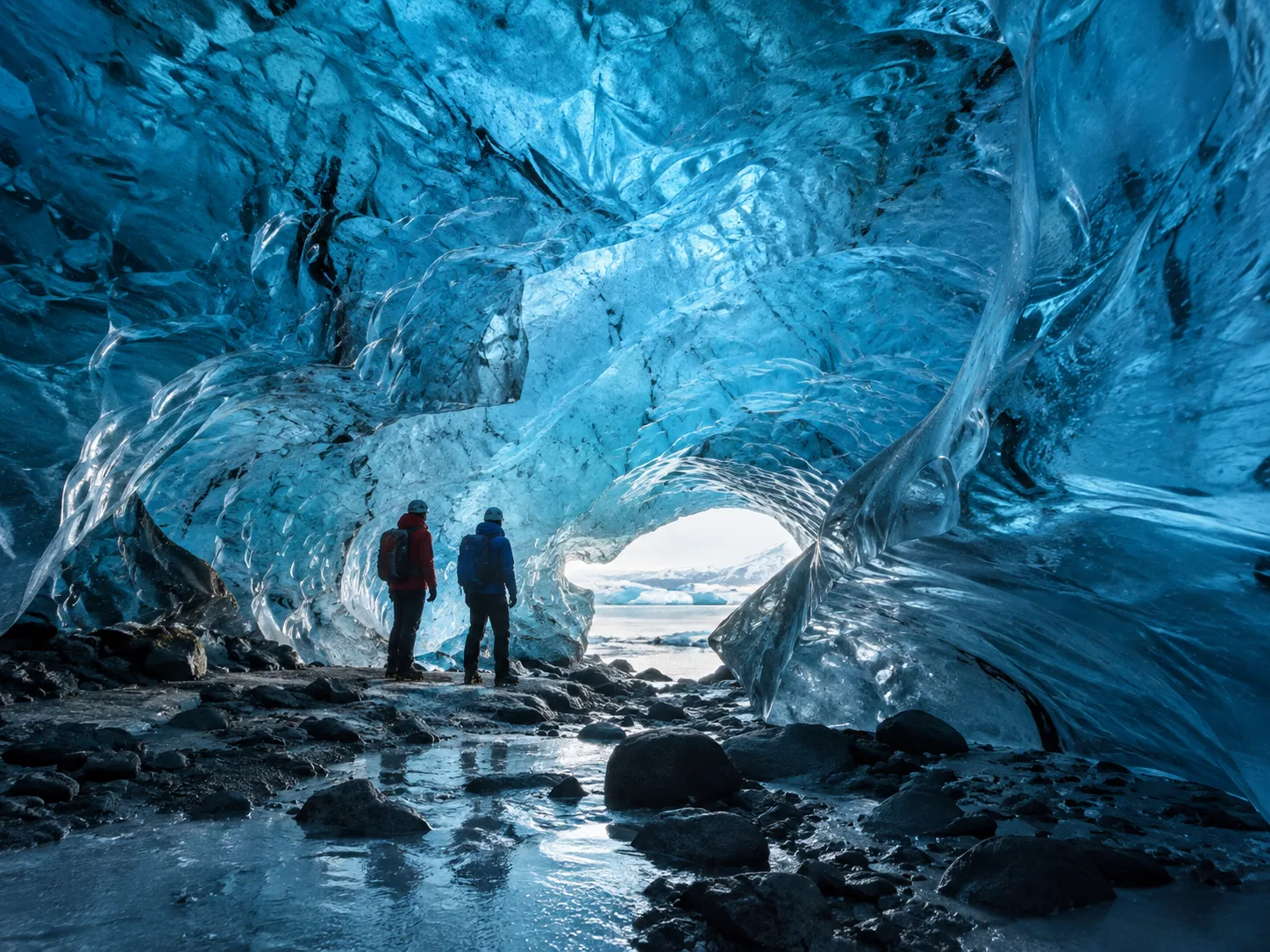
The contrast between the cave interior and a translucent wall or opening can be large. Look at the brightest part you want to retain. If it has become a flat white patch, reduce exposure a little and take another photograph.
Use the histogram or highlight warning when your camera offers it. On a phone, adjust the brightness after choosing your focus point. Not every bright reflection needs saving, but the texture that defines the scene usually does.
Keep the colour believable
Automatic white balance is a reasonable starting point. Blue light is part of this environment; do not neutralize every frame until the ice looks white. Equally, adding heavy saturation will not recover texture lost in an overexposed photograph.
RAW gives you editing flexibility when you know the workflow. It does not guarantee recovery of every highlight or turn a blurred image into a sharp one.
A human reference
Use people for scale
A person gives the viewer a way to judge the size of the formation. Make them part of the composition rather than waiting for every other visitor to disappear.
Place the subject
Look for separation between the person and the background. A clear outline can work better than a face that is lost in the darkest part of the cave.
Frame, then pause
Ask for a brief still moment when the guide allows it. Take the photograph, check it and let the group continue rather than holding a narrow passage.
Leave the equipment on
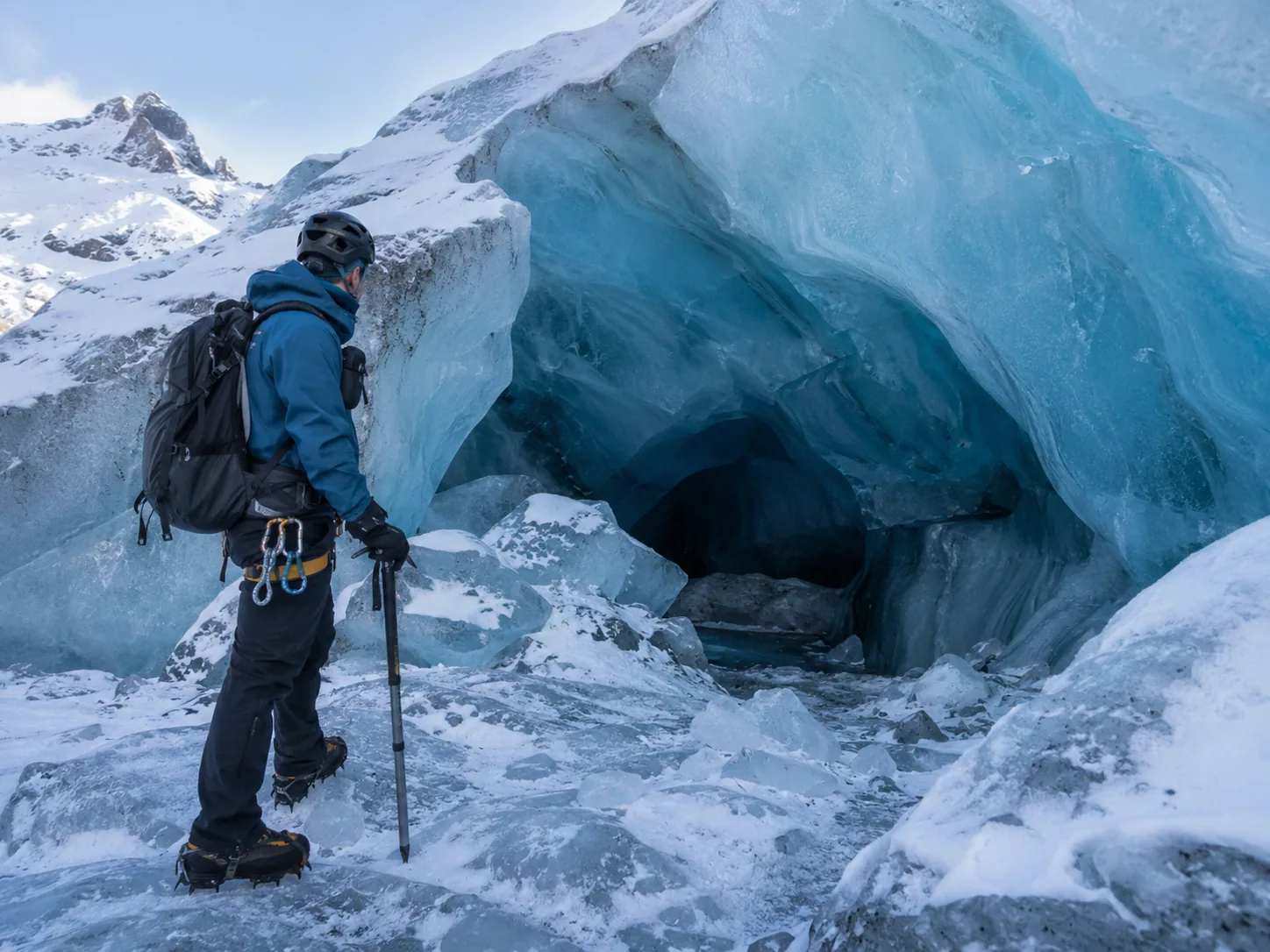
Keep helmets and required traction in place. Do not ask someone to step off the route or beneath an unapproved feature for a cleaner photograph.
Be considerate when photographing other guests. Ask before making an identifiable stranger the focus of a portrait. Safety explains why the guide’s route takes priority.
A simple shot list
Bring home more than one wide shot
A small set of different compositions tells the story better than many near-identical views. Look around from the place the guide has approved.
01 · Wide
The space
Use a wide view to show the ceiling, entrance or curve of the passage. Leave some darker areas so the photograph retains a sense of depth.
02 · People
The scale
Frame a person or part of the group against the ice. A silhouette can be deliberate, not a failed portrait.
03 · Detail
The texture
Look for ripples, bubbles, transparent sections and dark sediment bands. These can work well when the larger view is crowded.
Reflections can be interesting, but avoid moving into wet or unassessed ground to get them. Try a different angle from the permitted standing area. Shoot both horizontal and vertical frames when time allows.
Make room for the experience
Tripods, space and other groups
Ask before bringing a tripod
A tripod can help with a still subject, but permission does not mean there will be time or room to set it up. Confirm the exact product’s rules, carry it securely on the approach and use it only where the guide agrees.
A small booking group does not guarantee exclusive cave access. Other guided groups may use the same formation. Work on details, frame a person intentionally or wait for a natural gap without blocking the route.
Do not choose a time by old photos
An early departure is not automatically better for light. Ask what works for the current formation, and whether the itinerary allows the kind of photography you have in mind.
Best time to visit covers seasonal planning; it does not promise a particular light angle.
Batteries, water and condensation
Protect your kit between stops
Cold, dripping water and a warm vehicle require different precautions. A lens cloth is useful, but it does not solve moisture that has formed inside a camera.
Before leaving
Charge your equipment, check free storage and pack a dry cloth. Keep spare batteries protected, with their terminals covered, rather than loose beside metal items.
Around water
Keep a simple cover or protective bag accessible. Wipe surface moisture as appropriate for your equipment and avoid unnecessary lens changes beneath dripping ice.
Before entering warmth
Put cold equipment in a closed bag before entering warm, humid air. Allow it to adjust before opening the bag, following your manufacturer’s instructions.
Nikon’s camera-care guidance explains bagging equipment before a temperature change. Its battery guidance notes reduced capacity in cold conditions and the value of a charged spare kept warm. Operating and charging limits depend on the model; check your own manual.
Keep your hands usable too. Gloves you can operate the camera in, suitable boots and a manageable bag help you stay ready without removing required glacier equipment. See What to Wear.
Make the itinerary work
Choose time, not just a tour label
Compare the route, group limit and time at the formation. The examples below are guided cave excursions, not a promise of a photography workshop or private access.
Four questions to ask before booking
- How much time is normally available at the ice formation, excluding the transfer and approach?
- What are the current walking requirements and the group limit for this product?
- Are tripods permitted, and is there practical time and space to use one?
- Will other groups share the formation, and what changes if conditions alter the route?
Use the answers for the specific product and date. A longer advertised duration can mean more walking, not more camera time.
Independent guide. We may earn a commission when you book through our links, at no extra cost to you. Booking and payment take place on Viator.
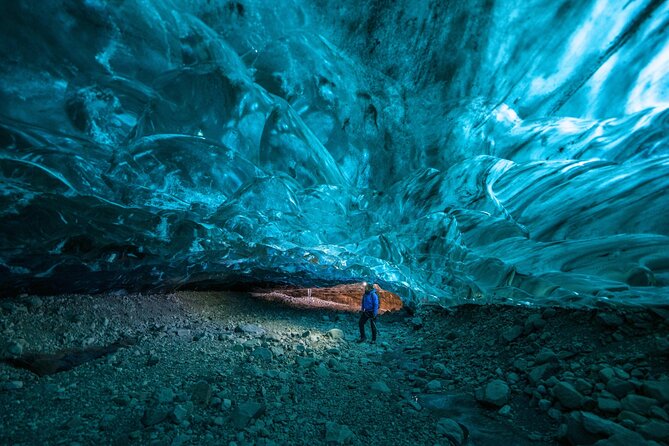 Meet at the lagoon
Jökulsárlón
The Original Ice Cave Tour
Listed supplier: Local Guide of Vatnajokull
A small-group Local Guide of Vatnajokull listing focused on the west side of Breiðamerkurjökull, with modified 4×4 transport and supplied glacier equipment.
- Duration
- 2 to 4 hours
- Minimum age*
- 10+
- Group limit*
- Up to 12
- Local and Professional Glacier Guide
- 4×4 modified vehicle transfer
- Spikes and Helmet
Keep in mind: Reach the meeting point independently. Walking and the exact ice formation depend on the tour and conditions.
 Meet at the lagoon
Jökulsárlón
Crystal Blue Ice Cave by Super Jeep
Listed supplier: Troll Expeditions
A local Troll Expeditions listing combining a Super Jeep journey from Jökulsárlón with guided access to natural blue-ice formations.
- Duration
- 3 hours
- Minimum age*
- 6+
- Group limit*
- Up to 14
- All safety gear, including helmet & crampons
- National Park fees
- English Speaking Driver/guide
Keep in mind: Reach the meeting point independently. Walking and the exact ice formation depend on the tour and conditions.
No tours match this departure. Choose another starting point.
*Details are drawn from dated supplier listings, not live availability. Group size is separate from the number allowed in one booking. Open the tour details for the source date; confirm requirements and prices on Viator before payment.
Compare all tours for the wider selection, or check From Jökulsárlón and From Reykjavík for departure planning.
Before departure
Pack less. Notice more.
Bring your phone or camera, a suitable lens, charged batteries, a lens cloth and a small protective bag. Avoid equipment that makes it harder to use the glacier gear or keep pace.
Your pocket checklist
- Lens clean; camera or phone ready.
- Charged batteries and enough storage.
- One wide frame, one scale frame, one detail.
- Review sharpness and important highlights.
- Keep gear protected and follow the guide.
After a few photographs, put the screen down and take in the space. Your guide’s instructions come before any photography advice. For preparation, return to Safety and What to Wear.
Useful answers
FAQ
Is a phone enough?
Yes, a phone you can use confidently is a practical option. Start with its main camera, clean the lens and check focus and brightness. Night mode can help with still scenes, but it will not make moving people stay sharp.
What camera settings should I start with?
For a test handheld photograph, the guide suggests f/2.8–f/4, about 1/100 second and Auto ISO where available. Adjust for your lens, subject and light. Moving people may need a faster shutter, and a still detail may need a different depth of field.
Should I use flash?
Start without it and review the result. A direct flash can change the appearance of the ice and distract other guests. Ask the guide before using additional lighting; do not assume that a normal group tour accommodates lighting equipment.
Why are people blurred when the ice is sharp?
The exposure may be too long for their movement. Ask for a still moment, shorten the phone’s capture where possible or use a faster camera shutter. Stabilization can reduce camera movement but does not stop a subject moving.
Why does the colour differ from photos online?
The formation, ice, snow and available light may all be different. Camera processing, white balance and editing also affect the result. A previous visitor’s image is not a colour guarantee for your departure.
Do I need RAW files?
No. RAW is useful when you already have an editing workflow; JPEG or your phone’s normal format is practical too. Check storage and battery levels before the tour rather than changing to an unfamiliar format at the cave.
Can I use a tripod on a standard tour?
Check with the exact operator. Even when permitted, group pace, narrow spaces and other visitors can make a lengthy setup impractical. Carry only what you can manage while following the glacier instructions.
Will the cave match the website images?
Not necessarily. Promotional and supplier images are not live condition reports unless explicitly dated and verified as such. The formation and route can change, so ask the operator about your travel date.